How to Add Device Policy Rule
This example shows how to add a Device Policy rule that denies sharing of USB Keyboards. You can adopt it per your needs to: deny sharing of other device types; or allow sharing of only certain device types.
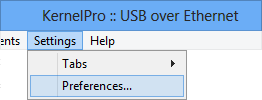
1. Select menu Settings -> Preferences:
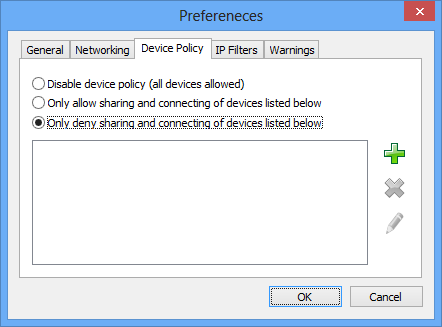
2. In the Preferences window select Device Policy tab:
3. Select Only deny sharing and connecting of devices listed below mode:
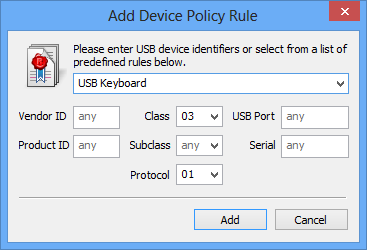
3. Click  button to open Add Device Policy Rule window.
4. Fill in the required device identifiers or select a predefined rule from the list and click OK:
5. Now you should see the newly added rule in the list of rules:
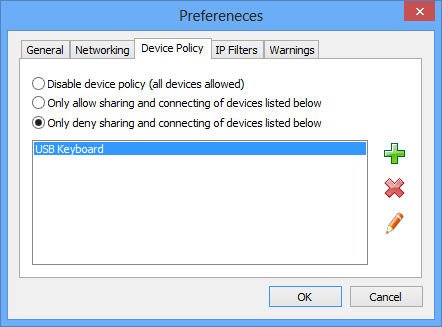
6. Click OK to save the settings.